SV777 Pakistan Official: App Download, Games & Account Help
Open the official SV777 access site for Pakistan. Download the v2.1.7 Android Quick App or iPhone app, or open the lobby in your browser for featured games, offers, Login and Register.
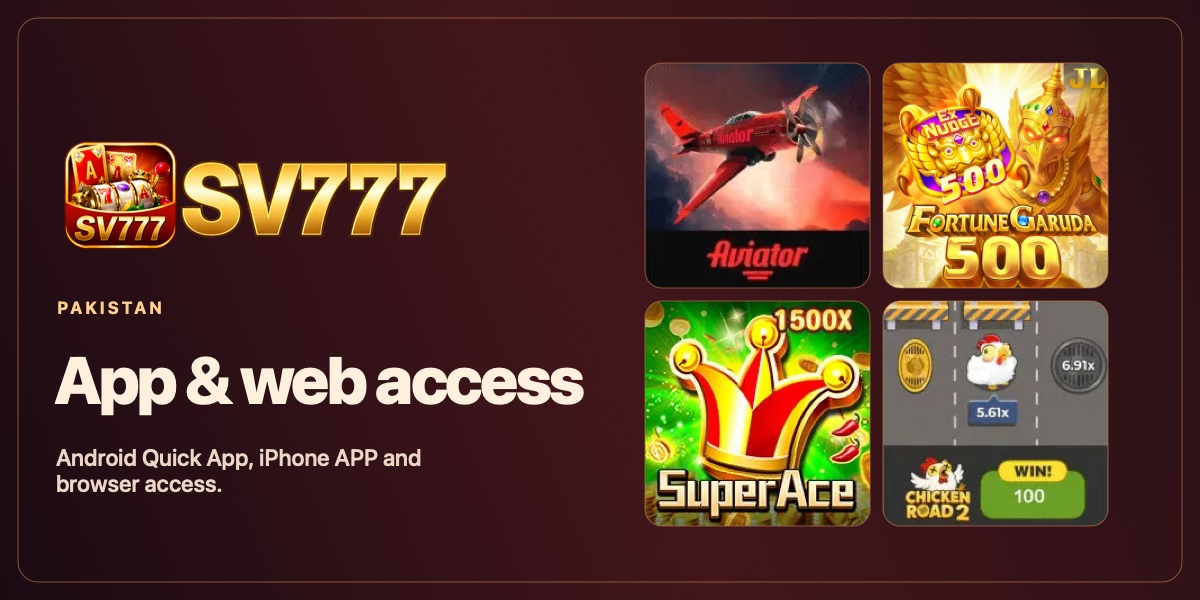
Android 7.4 MB Quick App
iPhone app and home shortcut
JazzCash & Easypaisa in PKR
| Latest app version | v2.1.7 |
| Android Quick App | 7.4 MB · Android 5.0 or later |
| iPhone native app | About 76 MB · No minimum iOS version listed |
| iPhone web option | WEB APP home-screen shortcut |
| Lobby currency | Pakistani rupees (PKR) |
| Deposits | JazzCash, Easypaisa and Easypaisa QR scan |
| Withdrawals | JazzCash, Easypaisa and Bank |
| Help | 24/7 Customer Support in the Service center |
| Alternative access | Continue to use H5 in a mobile browser |
Get the SV777 app
Compare the 7.4 MB Android Quick App, the iPhone native app and the Safari home-screen shortcut, then follow the guide for your device.
Find a game you know
Browse Aviator, Chicken Road 2, Super Ace or Wild Bounty Showdown, or use the lobby’s provider and game-category filters.
Check your offers
Open Promo to check the download reward of up to Rs. 777, the first-deposit offer, daily check-in and real-time cashback.
Use your account
Use Log In to return to an account or Register to create one. Find wallet history and Service center under the account area.
Choose how to open SV777
Open the SV777 download entry. Depending on your device, it can show a Quick Install page or the platform lobby. If you land in the lobby, choose Download to see the options for your device.
Android Quick App
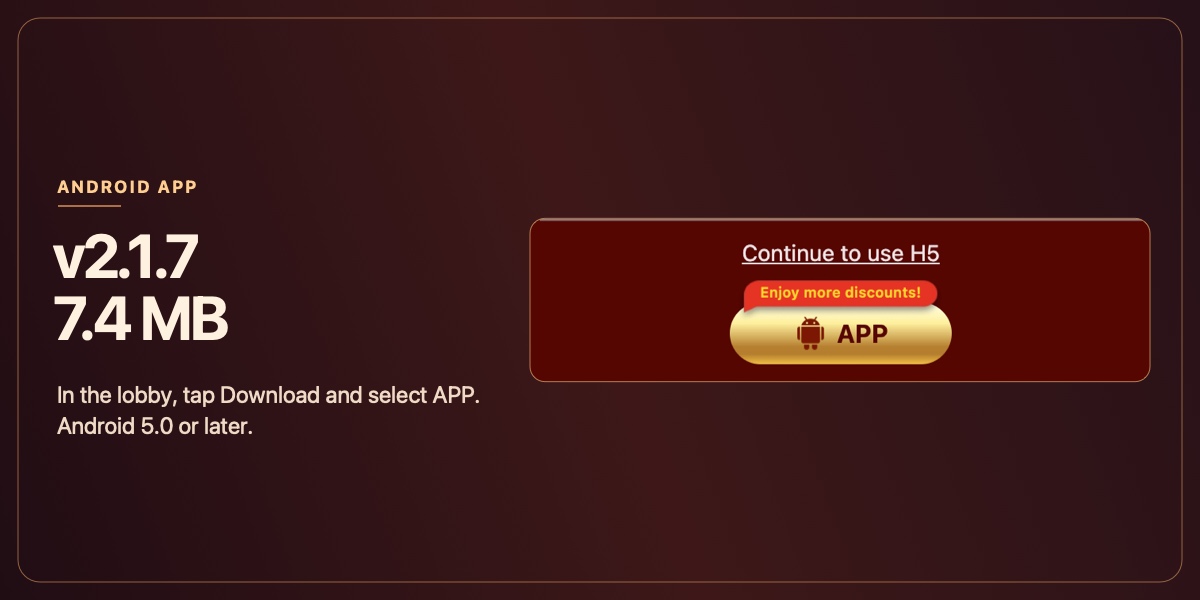
Use Quick Install if the channel shows it. If you are in the lobby, tap Download → APP. The listed v2.1.7 Quick App is 7.4 MB and requires Android 5.0 or later. Check the file in your browser’s Downloads list when the transfer finishes.
iPhone native app and Safari shortcut
Choose APP for the native iPhone download at about 76 MB. Choose WEB APP to see the Safari instructions for adding a shortcut to your Home Screen.
Open in a browser with H5
Tap Continue to use H5 to remain in the lobby without installing. This is also a useful way to reach account support if your download is interrupted.
Find games and providers in the Pakistan lobby
The lobby includes individual titles, provider cards and category filters. Use Hot to browse featured titles or open a provider when you know which catalogue you want.
Featured games and providers
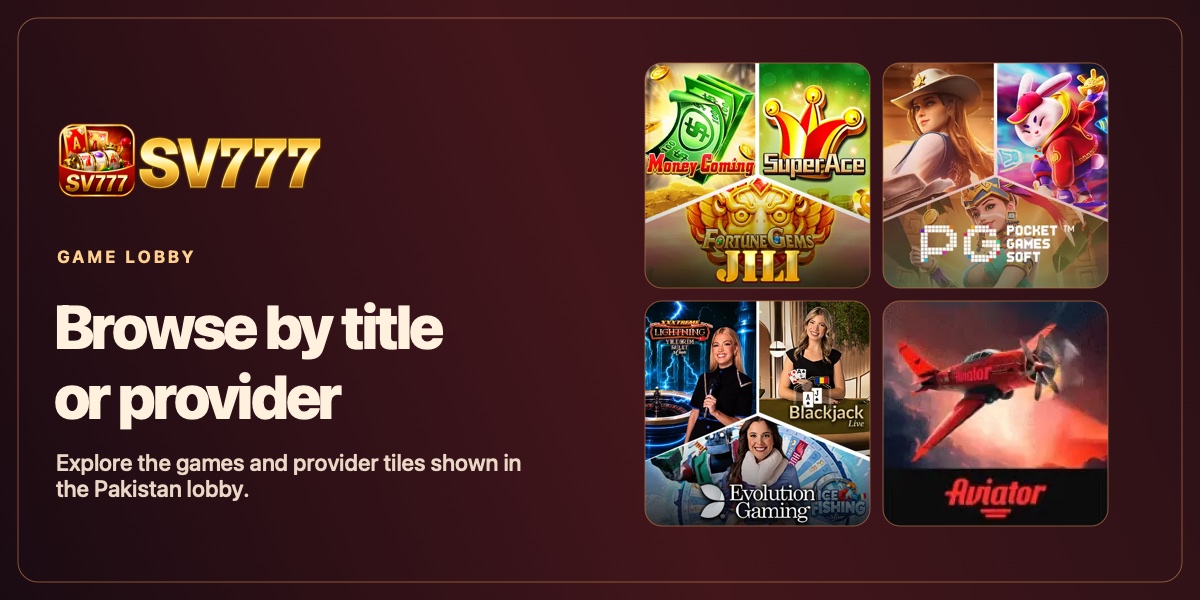
The reviewed lobby showed Aviator, Chicken Road 2, Super Ace, Wild Bounty Showdown and Fortune Garuda 500. JILI Games, PG Soft, INOUT, KoolBet and Evolution Gaming appeared as provider tiles.
- Use Expand where shown to see additional titles and providers.
- Open the game’s own information to check the rules and amounts for a round.
Slots, live casino and fishing
Browse Slots for provider catalogues, Casino for the available live options, and Fishing for the titles shown in that category. The game lobby guide explains where to start when looking for a particular game.
Sports, poker and other categories
Open Sport to find providers such as 9wicket and Saba Sports. Poker and Lottery are accessible from their own categories. Review the rules shown for the game, event or market you select.
Check SV777 rewards in Promo
Promo brings together download rewards, first-deposit offers, check-in, VIP and rebates. Open the individual offer before starting a task to see how the next step is counted.
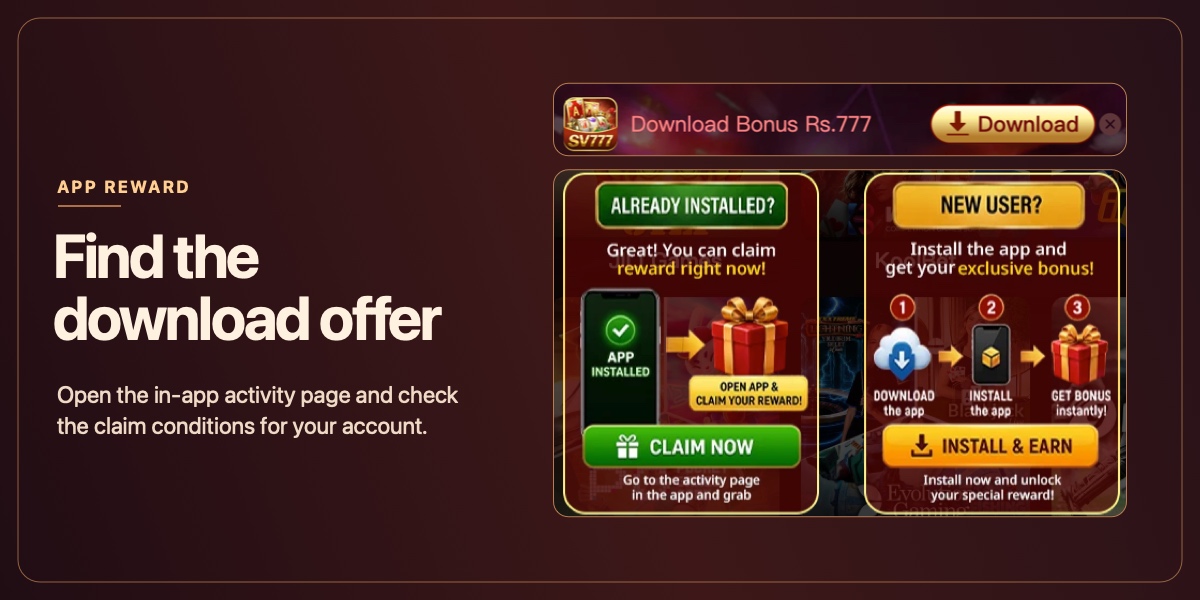
App reward advertised up to Rs. 777
After using the app and signing in, open the download activity to see the task for your account. The first verified task displayed a Rs. 100 deposit for a Rs. 7 reward. Check the activity’s claim status and conditions.
First-deposit reward up to Rs. 5,019
The first-deposit offer is available once to eligible accounts. The platform table lists Rs. 30 at the Rs. 100 bracket and up to Rs. 5,019 at the highest bracket shown. A wagering condition applies to the bonus before withdrawal.
Daily check-in and VIP benefits
Daily check-in is based on consecutive days and can require both a deposit and valid bets. The VIP screen lists weekly, monthly and birthday benefits. The applicable tier and claim conditions are shown in the platform.
Real-time cashback and other offers
The Promo list advertises cashback up to 0.5%. The Rebate page shows categories, the available amount and Rebate History, with a 1× turnover condition before withdrawal. The platform also lists wheel and invitation offers.
Promo also lists a 7% top-up offer and a wheel advertising prizes up to Rs. 3,777. Check the activity details to see which offer applies to you.
Log in or register with your Pakistan number
Log In and Register open the Pakistan lobby. Select the tab you need, then use your +92 mobile number or the Google Quick Login option shown by the platform.
Already have a player account?
Use Login to return to your existing balance, activities and settings. Use the same account on a new device to find the same information.
Forgot your password?
Choose Forgot password?, enter your registered mobile number and verify with the code sent to your phone. If you cannot receive the code, use the customer service link in the recovery form.
Use the wallet in Pakistani rupees
The Pakistan wallet shows amounts in PKR. Open the Deposit or Withdrawal guide to check the methods, limits and how to trace a transaction.
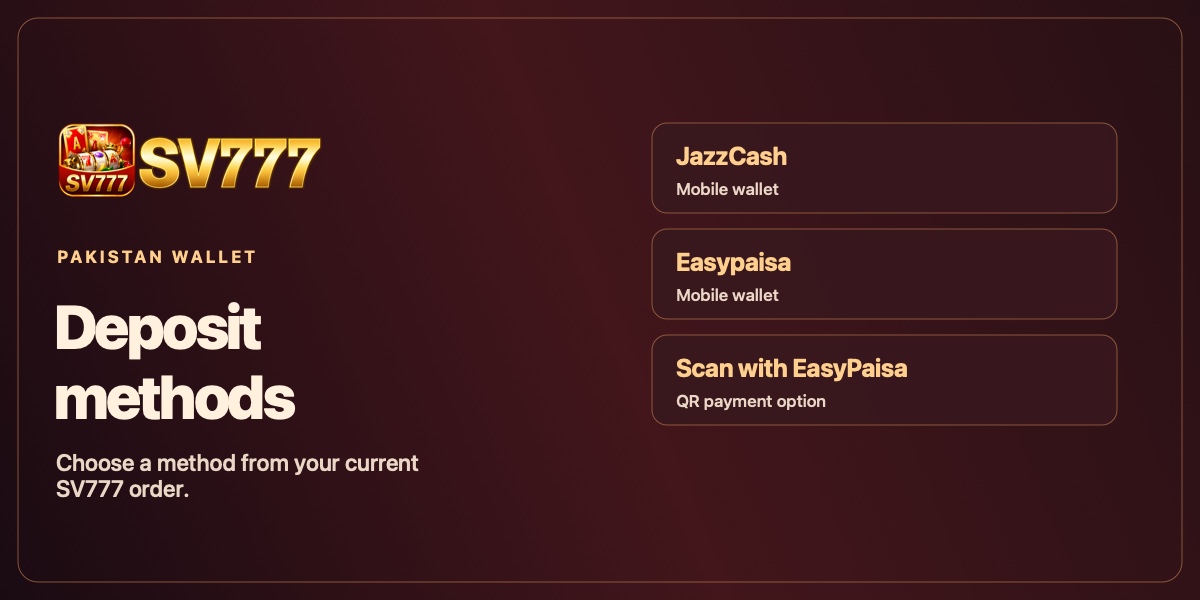
Deposits through local wallet options
The deposit screen showed JazzCash, Easypaisa and Scan with EasyPaisa. The listed methods use the Rs. 100–200,000 single-deposit range and no SV777 fee. After a successful payment, credit is normally within 60 seconds.
Withdrawals through wallet or bank
The wallet showed JazzCash, Easypaisa and Bank for withdrawals. The single-request range is Rs. 103–50,000. Review how many VIP fee-free opportunities remain before submitting the request.
Get help from the SV777 platform
Open Live Chat from the lobby. Signed-in users can also use Mine → Service center → Contact Now. The Message Center includes official WhatsApp and Telegram groups.
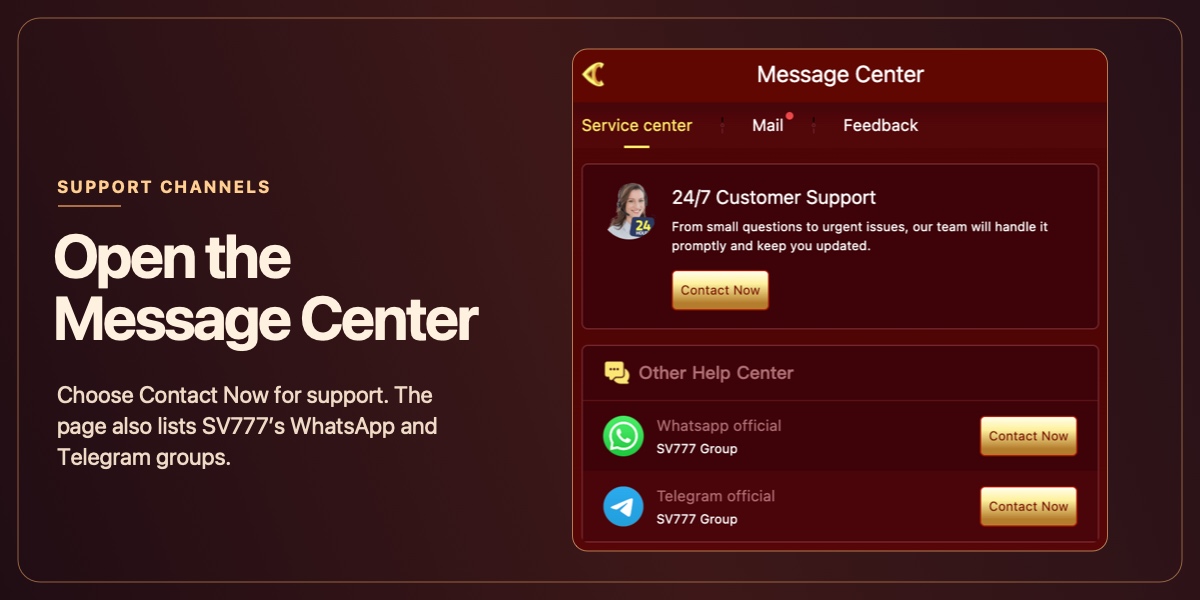
What to prepare before contacting support
For install issues, keep your device, system version and error message handy. For wallet issues, gather the transaction reference, amount, time and status. Share a redacted screenshot where it helps.
SV777 Pakistan FAQ
Where is the SV777 download button?
Open the site’s Download entry. On Android, choose Quick Install if it appears, or use Download → APP in the lobby. On iPhone, use the device options shown in the download menu.
Which SV777 games are shown in the lobby?
The observed lobby includes Aviator, Chicken Road 2, Fortune Garuda 500, Super Ace and Wild Bounty Showdown. The lobby shows the current selection.
Can I deposit and withdraw with JazzCash or Easypaisa?
Both methods appeared on the deposit and withdrawal screens. Easypaisa QR was listed under Deposit, and Bank was listed under Withdraw. Check your own wallet for current availability.
Is the Rs. 777 app bonus paid immediately after download?
The banner promotes a reward of up to Rs. 777. Open the app reward from Promo and check the task and claim conditions displayed for your account.
Where do I go if I already have an SV777 account?
Choose Log In, then use the login option shown in the SV777 lobby. If the account details are no longer available to you, see Login Help or contact Live Chat.
Can I use SV777 without installing the app?
Yes. Open the platform lobby in your browser or choose Continue to use H5 if the download dialog is open.
Does the iPhone WEB APP take up about 76 MB?
The 76 MB figure is the approximate size of the native iPhone APP. WEB APP adds a Safari shortcut to the Home Screen.
Where do I see the first-deposit brackets?
Open Promo and select the first-deposit offer to see the bracket table, eligibility and the bonus withdrawal condition.