SV777 Withdrawal in Pakistan
Withdraw to JazzCash, Easypaisa or Bank in Pakistan. Single withdrawals range from Rs. 103 to Rs. 50,000. Your VIP level determines how many fee-free withdrawals are available. After those are used, a 3% fee applies.
Open Withdraw and choose an available method
From the lobby, open Withdraw. The wallet screen shows Cash Balance and Available as separate fields. Use the latter when checking what you can currently request.
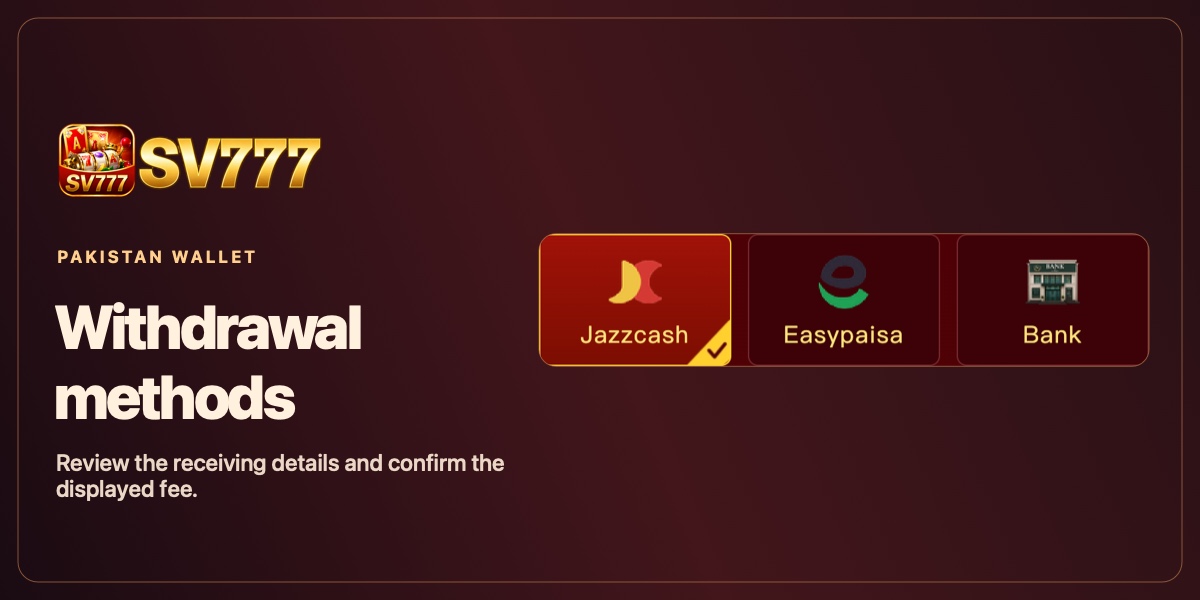
- Choose JazzCash, Easypaisa or Bank if it is available.
- Review the recipient details and your requested amount before confirming.
- Keep a copy of the request reference and status.
JazzCash, Easypaisa and bank details
Choose the receiving method you can verify. Check the receiving wallet or bank details before submitting and keep the payout reference for later.
Check cash available to withdraw
Cash Balance and Available are separate values on the platform. Use Available when checking the amount you can currently request. An offer balance may have a separate withdrawal condition.
Limits, VIP fee-free withdrawals and timing
The single-withdrawal range is Rs. 103–50,000 across the listed methods. Fee-free opportunities vary by VIP level. Once you have no fee-free withdrawals available, SV777 charges 3%. Check your remaining fee-free opportunities and the fee shown before confirming.
Withdrawals can be requested around the clock. Approval normally takes up to two minutes, and payout is credited immediately after approval. Check Withdrawal history if the status or funds are delayed.
How VIP fee-free opportunities work
SV777 gives fee-free withdrawal opportunities based on VIP level. Check the opportunities left before a request. If none remain, a 3% fee applies. The order summary is where you can review the fee and amount before confirming.
Approval time and payout time
Withdrawal requests can be made around the clock. The normal review takes up to two minutes. Credit follows after approval. Use the status in Withdrawal history to see which stage your request has reached.
Check Withdrawal history if a payout is missing
Open Withdrawal history and choose 1, 7 or 30 days to include the request date. If you see an empty record list, check the date range and account first. If a request is present, read the status or reason shown.
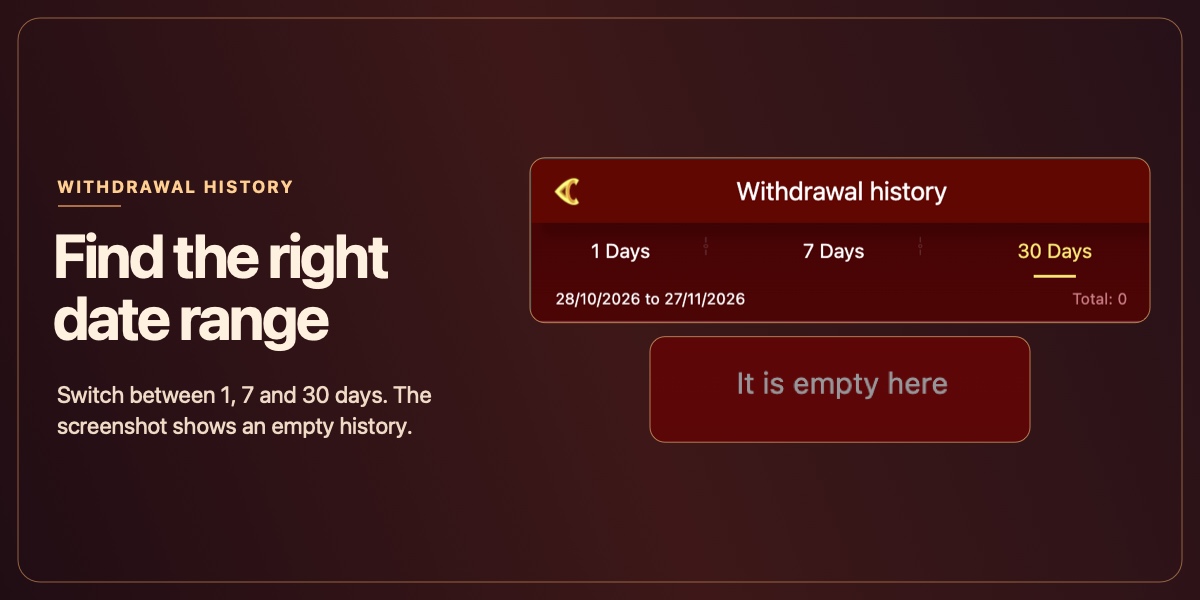
- Pending: keep the reference and check for an update.
- Rejected: review the displayed reason before submitting again.
- Successful but not received: compare your receiving account details and contact Support with the request reference.
When the order is successful but no funds arrive
Confirm the receiving wallet or bank, then contact support with the reference, amount, method and time. The missing-payout guide under Guides & Offers walks through what to check.
When a withdrawal is rejected
Read the reason shown by the platform. If it points to the account details, check them before another request. If the reason is unclear, use Service center to ask for help with the original reference.
Withdrawal FAQ
Which methods are listed?
The wallet lists JazzCash, Easypaisa and Bank.
What are the single-withdrawal limits?
The range is Rs. 103 to Rs. 50,000 per request.
When does the 3% withdrawal fee apply?
SV777 grants a number of fee-free withdrawals according to VIP level. After the available fee-free opportunities are used, a 3% fee applies.
Can I withdraw at night?
Yes. Requests are accepted around the clock. Approval normally takes up to two minutes, followed by immediate credit after approval.
How do I check a missing payout?
Review the date range and status in Withdrawal history. For a completed request with no funds received, send Support the reference, amount, method and approximate time.
Why are my cash balance and available amount different?
They are separate values on the Withdraw screen. Check Available for a request and read the conditions attached to any active bonus.