SV777 Game Download v2.1.7 for Pakistan
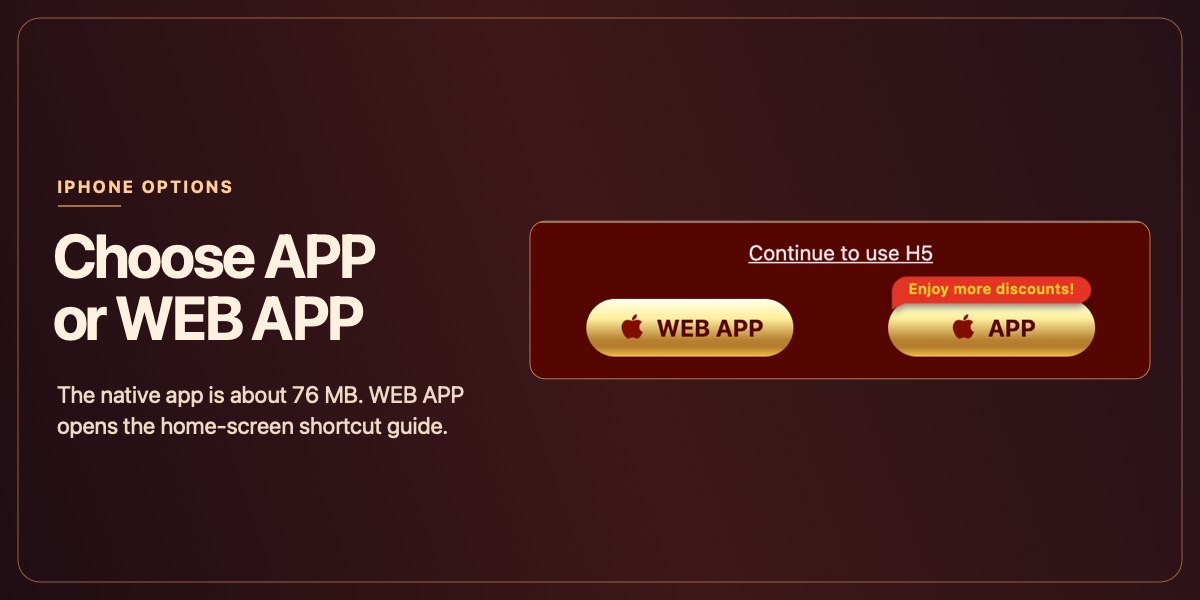
Choose the 7.4 MB Quick App for Android or the native iPhone app at about 76 MB. On iPhone, WEB APP adds a Safari home-screen shortcut.
Open the download entry to see the route for your device. If the app does not download, choose Open SV777 in Browser below to use the lobby and contact Support.
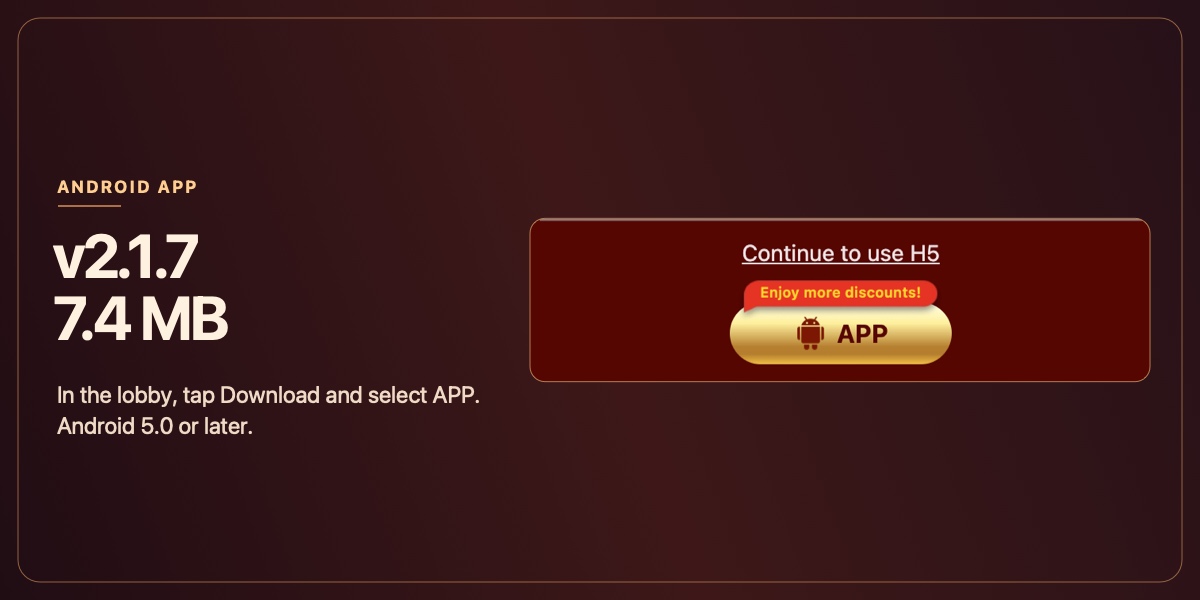
| Current app version | v2.1.7 |
| Android Quick App | 7.4 MB |
| Android requirement | Android 5.0 or later |
| iPhone native app | About 76 MB |
| Minimum iOS version | No minimum listed |
| iPhone WEB APP | Safari home-screen shortcut |
| Browser access | Continue to use H5 |
| Already have an SV777 account? | Use the same login after installation or update |
| Find help | Live Chat or Mine → Service center |
Compare SV777 access options
Use the Android Quick App if you want an Android installation. On iPhone, choose between the native APP and the WEB APP shortcut. To stay in a mobile browser, use H5.
- Android APP: v2.1.7, 7.4 MB, Android 5.0 or later.
- iPhone APP: v2.1.7, about 76 MB.
- WEB APP: adds a Safari Home Screen shortcut on iPhone.
Download the 7.4 MB Android Quick App
Open the SV777 download entry in your browser on Android 5.0 or later. The channel may show a Quick Install page. If it opens the lobby, use Download → APP. The listed Quick App version is v2.1.7.
- Follow the Download or Quick Install control shown by the platform.
- Open the browser’s Downloads list and wait for the APK to finish.
- Check that you started from the SV777 entry before opening the file.
Install or update on Android
Android may ask for permission to install from your browser. If you recognise the source and choose to continue, use Settings → Allow from this source for that browser when prompted. Labels may vary by device and Android version.
Keep Google Play Protect on. If it blocks the app or the file does not match the platform’s download, use the web lobby and ask Support to confirm the build. The image illustrates the steps and the system prompt can look different.
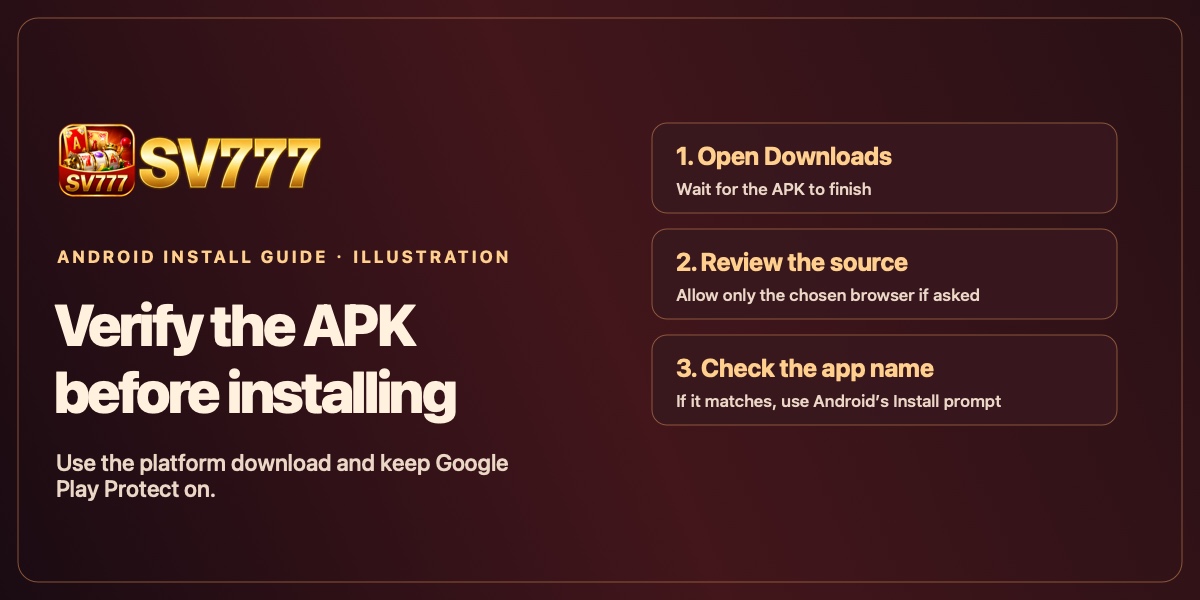
- Open the completed APK in the browser’s Downloads list.
- If prompted, allow installation from the browser you used and return to the download.
- Check the app name on Android’s confirmation screen. Select Install if it matches the source you chose.
- Open SV777 and use your existing account. If you enabled the browser’s permission, switch it off again in Settings after installation.
Download the native iPhone app
In Safari, open the SV777 lobby and tap Download → APP for the native iPhone app. The v2.1.7 native download is about 76 MB. Follow the prompts displayed for your device.
The same menu offers WEB APP, which adds a home-screen shortcut. Choose Continue to use H5 to stay in Safari.
Add SV777 to the iPhone Home Screen
Open Download → WEB APP to see the Add to home screen guide. The wording can vary with Safari’s language and menu layout.
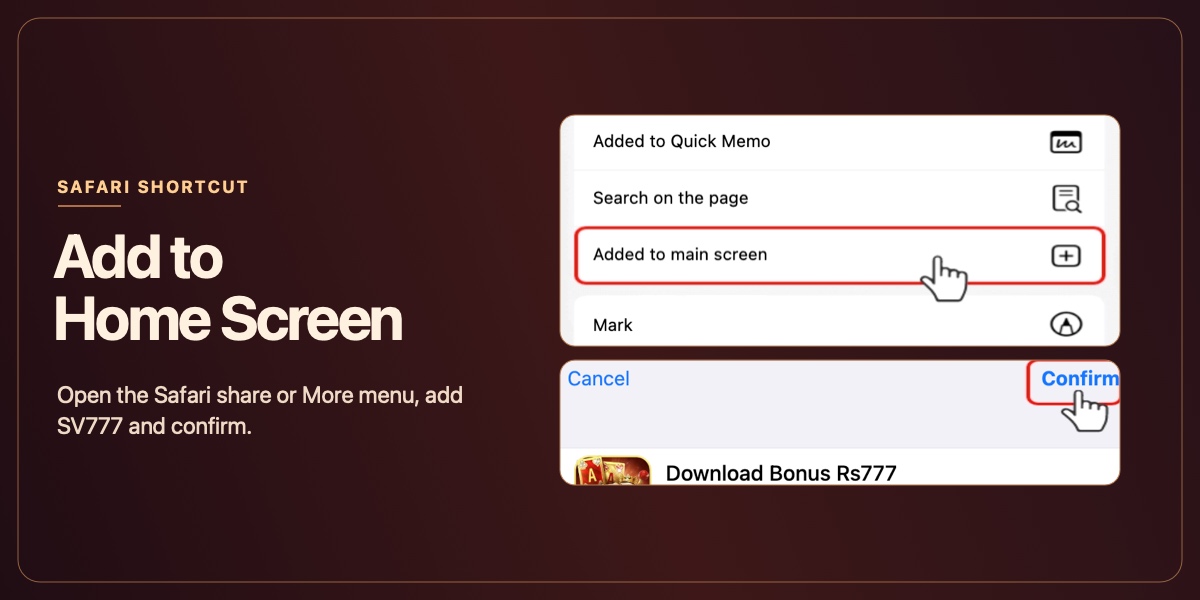
- Open the Share or More menu in Safari.
- Select Add to Home Screen and check the shortcut name.
- Tap Add or Confirm, then use the new icon from your Home Screen.
Stay in the browser with H5
Choose Open SV777 in Browser above to go straight to the lobby. If the lobby shows a Download prompt, tap Continue to use H5 to remain in the browser. Live Chat and account tabs are available from the lobby.
If Download or installation stops
If the installer page stays on screen or the APK does not appear in Downloads, open the browser lobby and ask Support to confirm the current package for your device. Provide the model, Android version and the exact message.
- Use the browser’s Downloads list to check the Android transfer.
- Ask Support to confirm the package if the installer reports a conflict.
- Check the app’s current Promo instructions when looking for the download reward.
If an update conflicts with an existing installation
Check that you are using the current file from Download. Read the exact system message and make sure you can access your account before changing an existing installation. Ask Support to confirm the build if the conflict persists.
Check the app reward after signing in
Open the SV777 app with your own account and check Promo for the download activity. The reward is advertised up to Rs. 777 and the actual amount depends on the task and conditions shown for your account.
Check the build before installing an APK
Start the download from the SV777 lobby. If a mirror advertises a different version or size, check the build details shown at your current source instead of using a forwarded file. The verification guide under Guides & Offers covers this check.