SV777 App Download or Install Not Working?
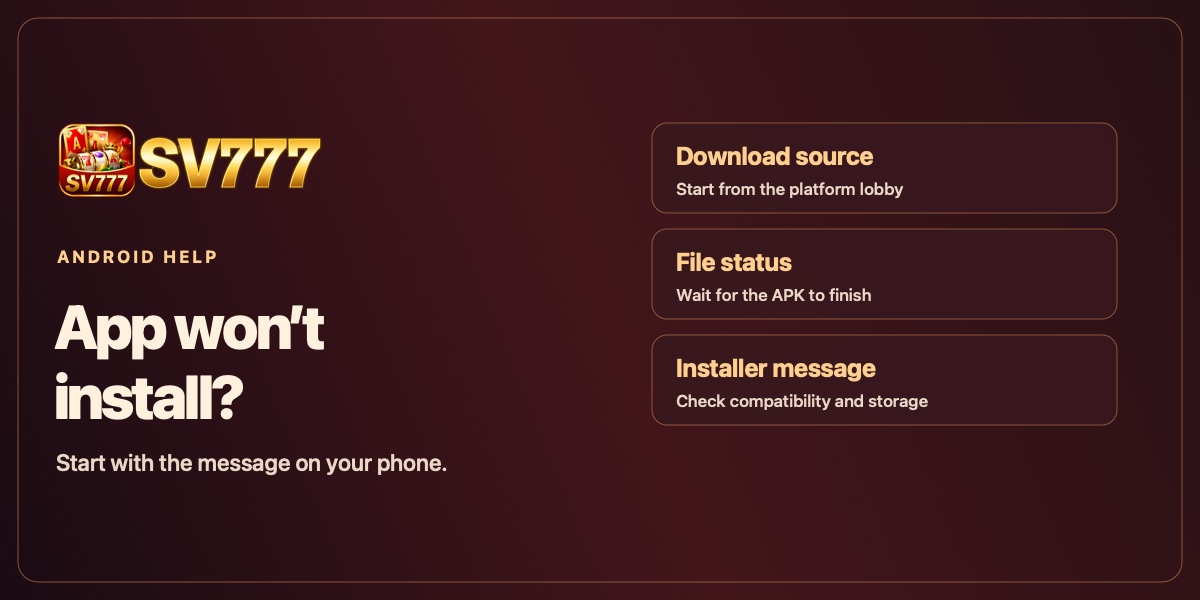
Start with the actual error on your phone. A button that does not respond, an interrupted file and an Android installer message each need a different check.
The download button is visible but nothing starts
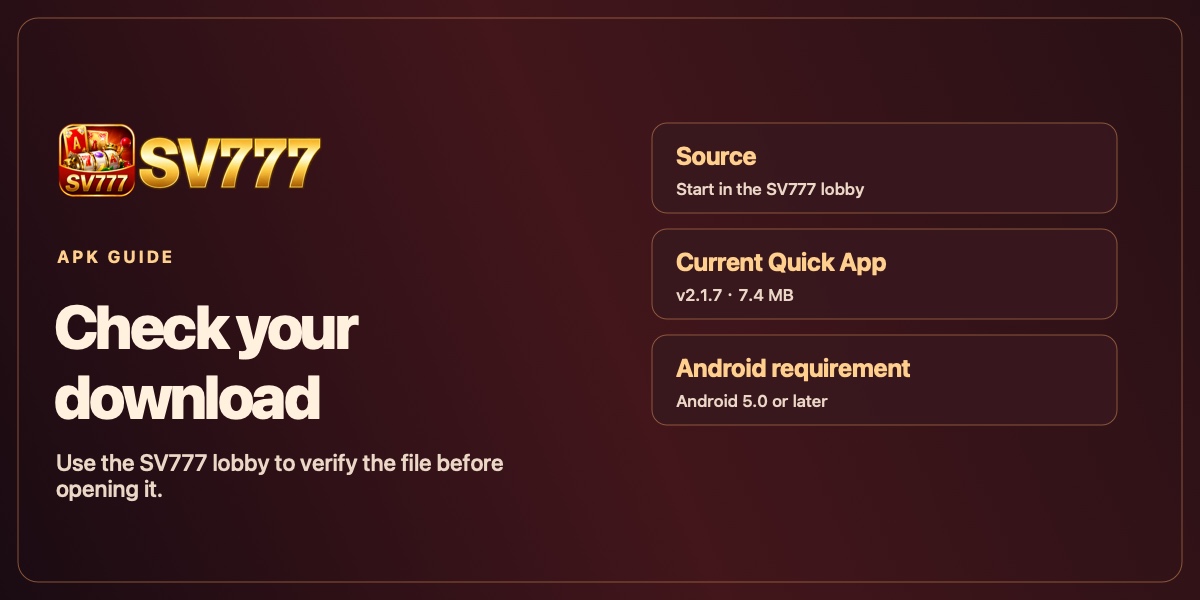
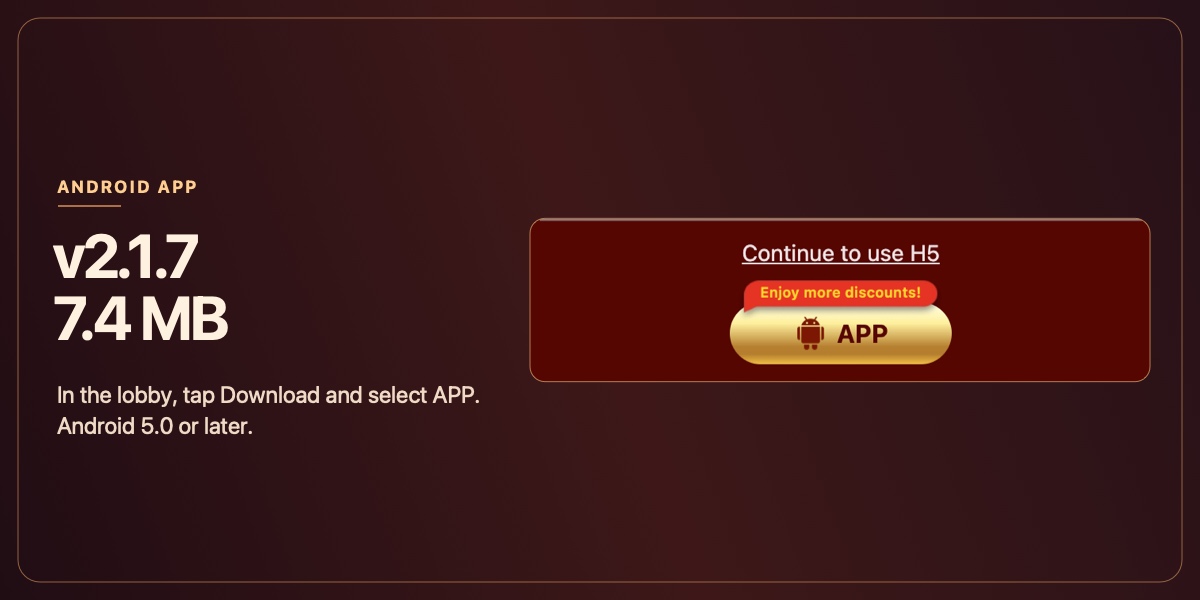
Open the SV777 download entry in your regular browser. Choose Quick Install if the channel shows it. If you land in the lobby, tap Download and choose APP for Android. Check the browser’s Downloads list to see if a transfer started.
The download stops or ends early
Check the browser’s downloads list and free storage. If the file is incomplete, go back to the original download entry and try again on a stable connection.
Android cannot install or update the file
Read the installer message. An incompatible build or package conflict may require a different file. Keep any existing installation and account details available while support checks which package applies to your device.
When to use the browser instead
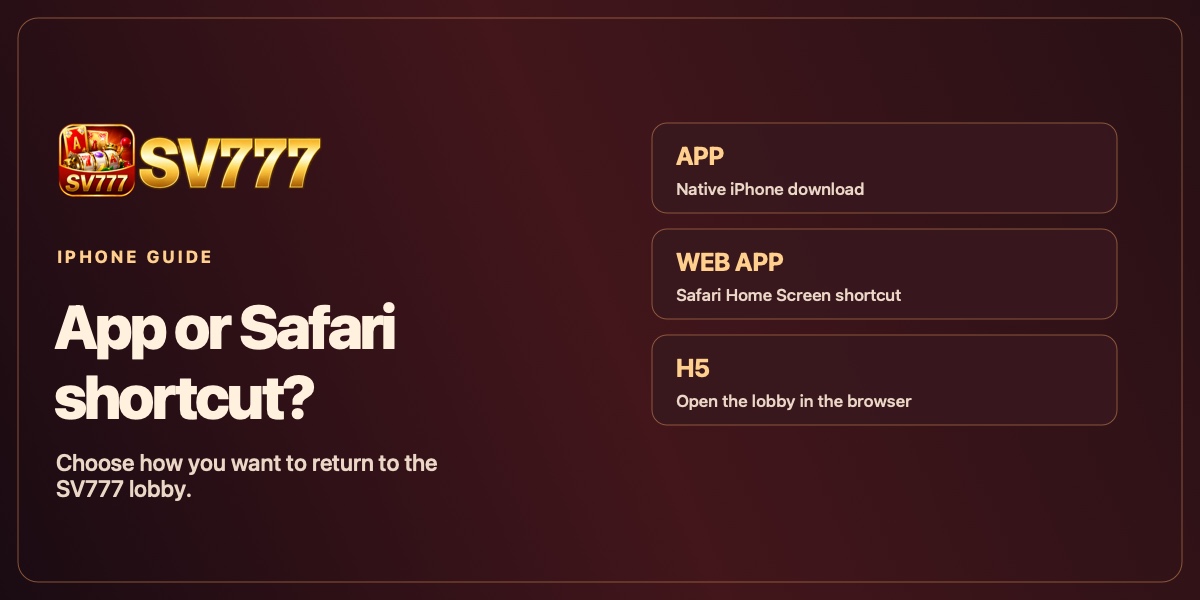
If the app download is unavailable, choose Continue to use H5 in the lobby. On iPhone, you can also open WEB APP to add a Safari shortcut from the Home Screen. When contacting support, send your device model, OS, browser and the exact error.
Installation FAQ
Can I install the Android APK on an iPhone?
An APK is an Android package. Use the iPhone options shown by the lobby or continue in Safari if the lobby opens.
Where do I look for a file that started downloading?
Use the downloads list in your browser or the Downloads folder on Android. Wait until the transfer completes before opening it.