How to Check an SV777 APK Before Installing
If you see different SV777 versions or sizes on download pages, start from the platform lobby and check the option offered on your own Android device.
Start from the platform’s Download menu
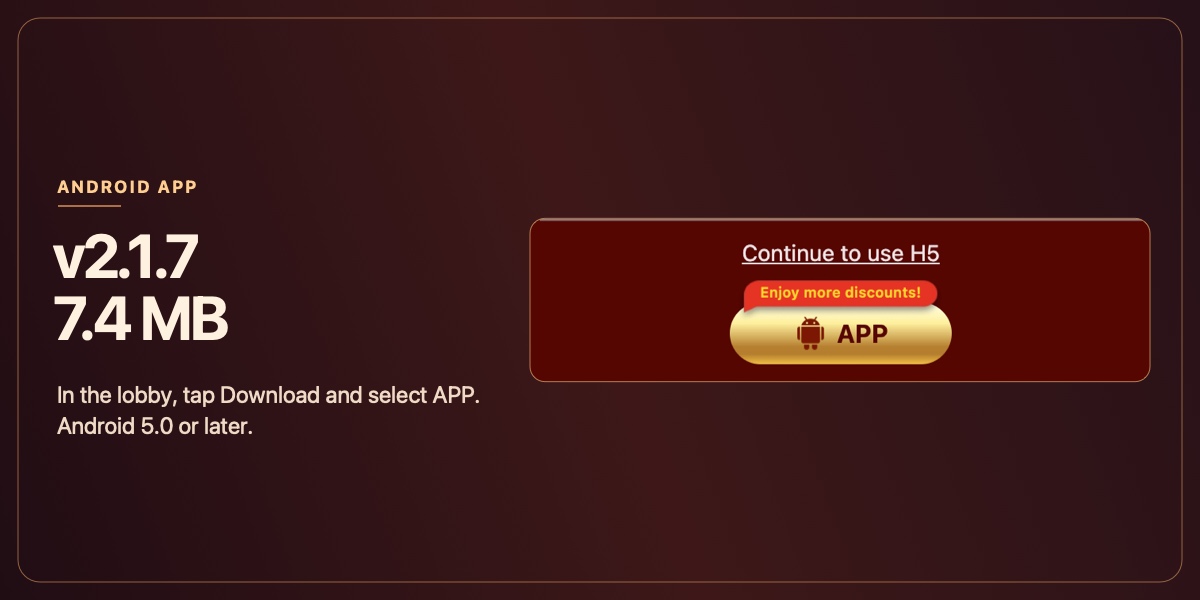
Open the download entry on an Android device. Choose Quick Install if the channel offers it, or choose Download → APP if you are in the lobby. Check your browser’s Downloads list after the transfer starts.
Compare version, package size and Android compatibility
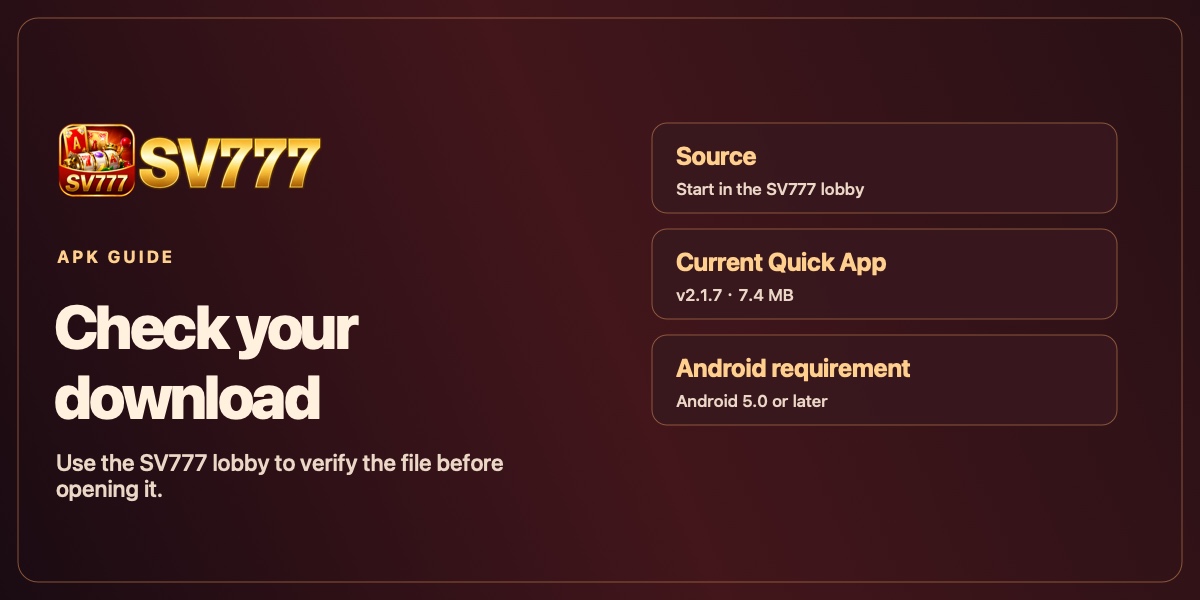
The current Android Quick App is v2.1.7 and 7.4 MB, with Android 5.0 or later listed. Use the official entry again if a downloaded file differs or was forwarded to you.
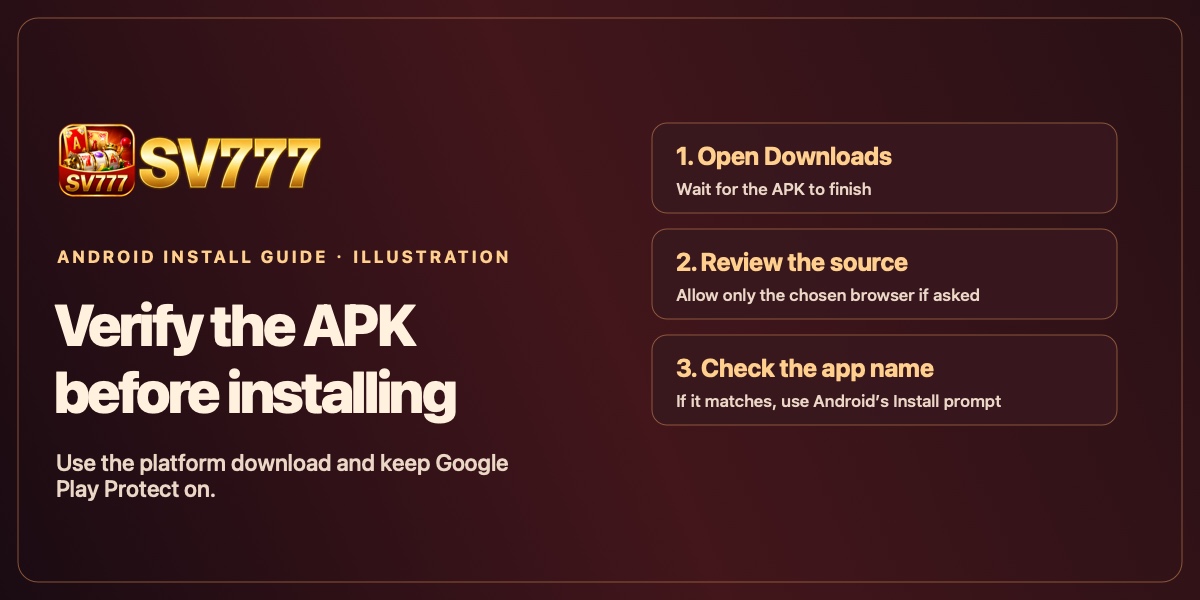
Check the app name on the Android prompt. If the filename is unfamiliar or the publisher is unclear, ask SV777 Support to confirm the current package before installing. A matching filename alone cannot establish who published it.
Get help if the phone reports a file or install issue
Keep Google Play Protect on. Pause if a warning, mismatch or installation error appears. Use the browser lobby and send Support the message, device model and Android version.
APK source FAQ
What if another page lists a larger package?
Check which device and app type each page describes. The 7.4 MB value refers to the Android Quick App. The iPhone native APP is about 76 MB.
How do I know the file is ready to open?
Use your browser’s Downloads list and wait until the transfer is complete. Verify its source before opening it.