SV777 Withdrawal Successful but Not Received?
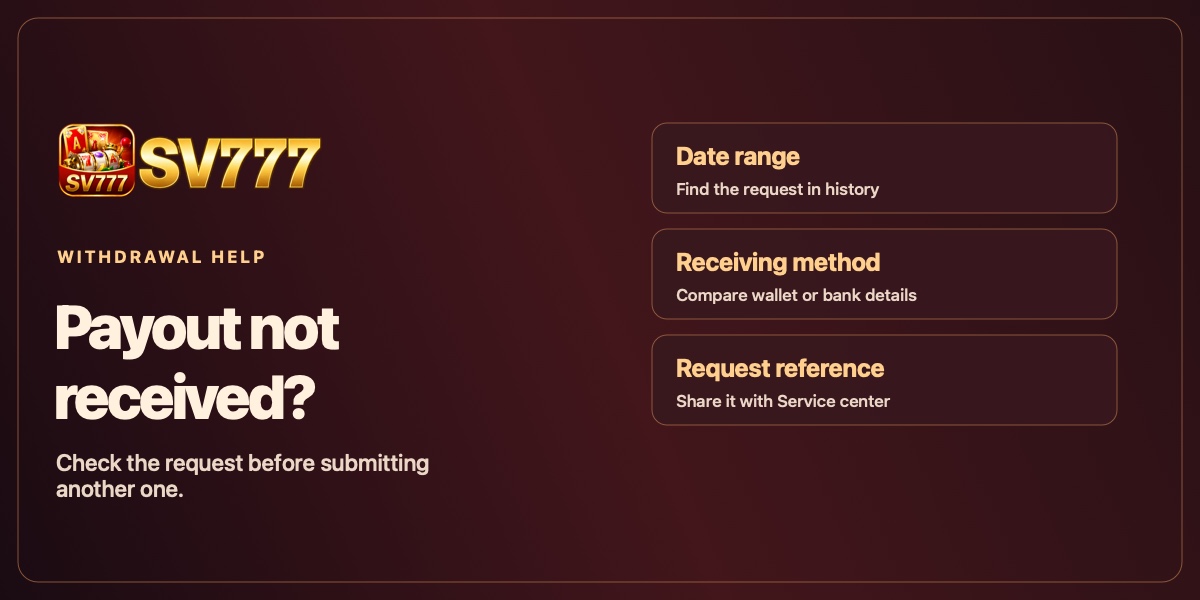
Start with the request status and selected date range in the SV777 wallet. Check the receiving account before submitting another request.
Find your request in Withdrawal history
Choose the period covering the request. The screen has 1, 7 and 30 day views. If the history is empty, confirm the date range and that you signed in to the expected account.
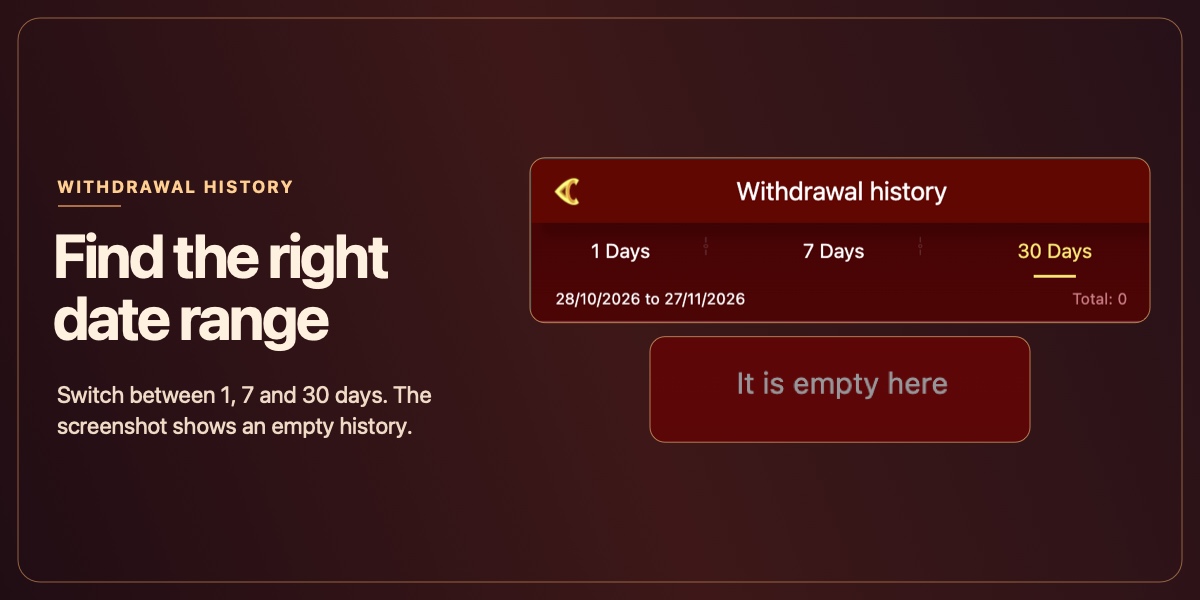
Read the status before taking another action
If the request is pending, check the status and keep the reference. If rejected, review the stated reason. If marked successful but you cannot find the funds, compare the receiving wallet or bank details against the request.
- Record the exact status.
- Keep the request reference, amount and approximate time.
- Check whether the request was sent to JazzCash, Easypaisa or Bank.
Send a clear request to Support
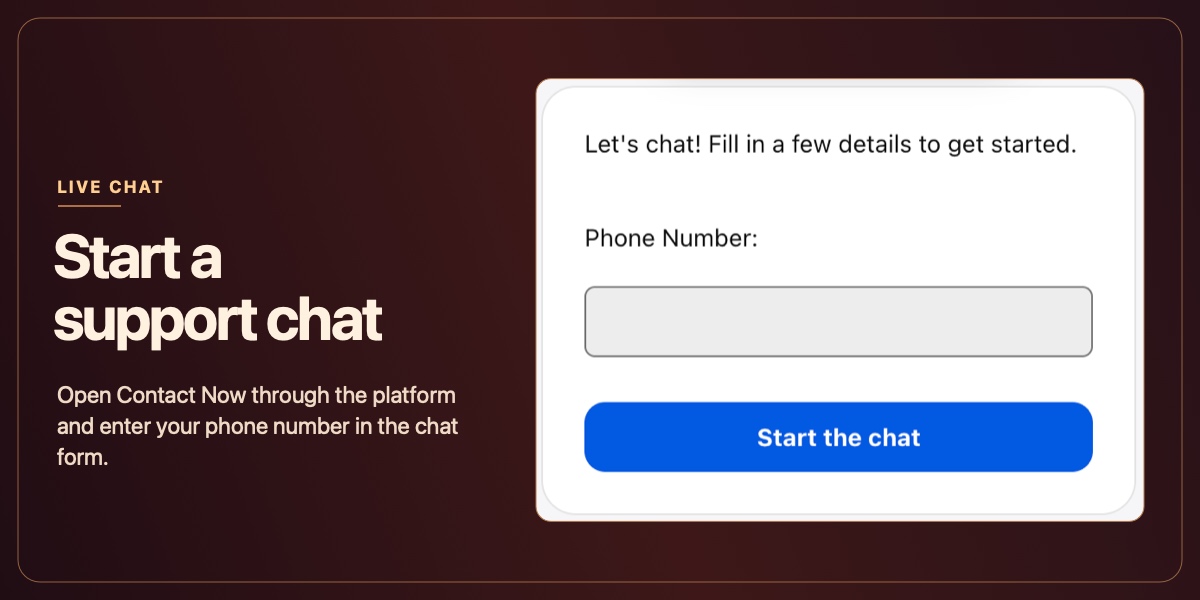
Open Mine → Service center → Contact Now. Describe what Withdrawal history shows and where the funds were expected. Share a redacted screenshot where helpful and keep your PIN, password and one-time codes private.
Payout status FAQ
Where can I see older requests?
Use the 7 or 30 day view in Withdrawal history if your request does not appear in the 1 day view.
When should I contact Support?
Contact Support if a payout shows successful and you still cannot find it after checking the receiving account, or if the status or rejection reason is unclear.