SV777 for iPhone: Native App or Home-Screen Shortcut?
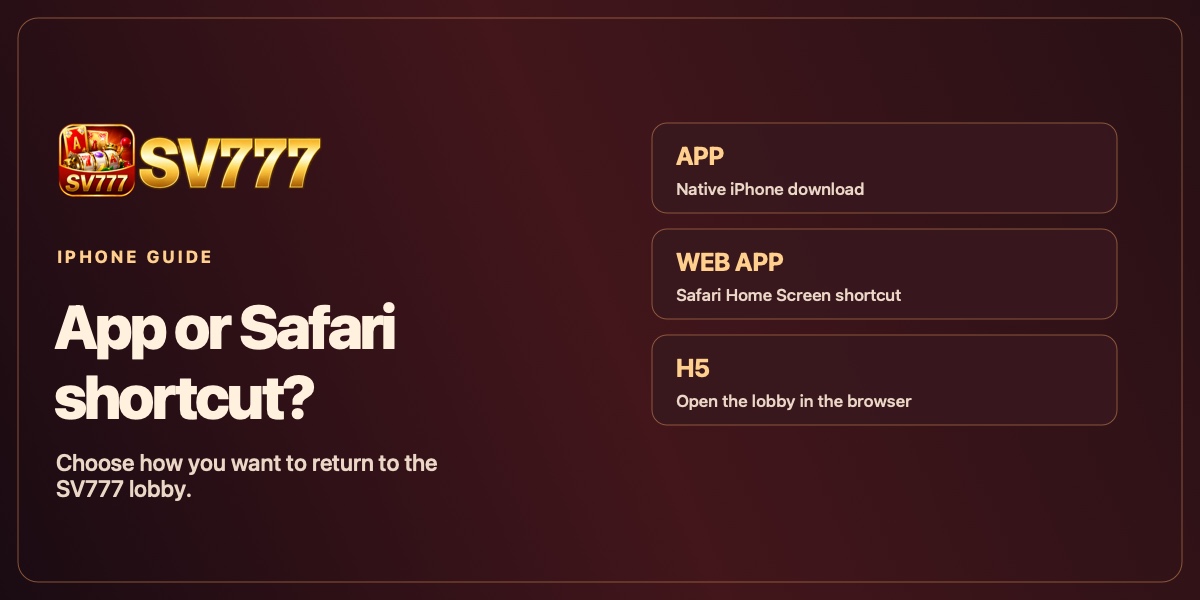
On iPhone the SV777 Download menu offers APP, WEB APP and Continue to use H5. Choose an option based on how you want to return to the lobby.
APP: the native iPhone download
Tap Download → APP to start the native app route. The current v2.1.7 package is about 76 MB. Follow the prompts shown on your iPhone.
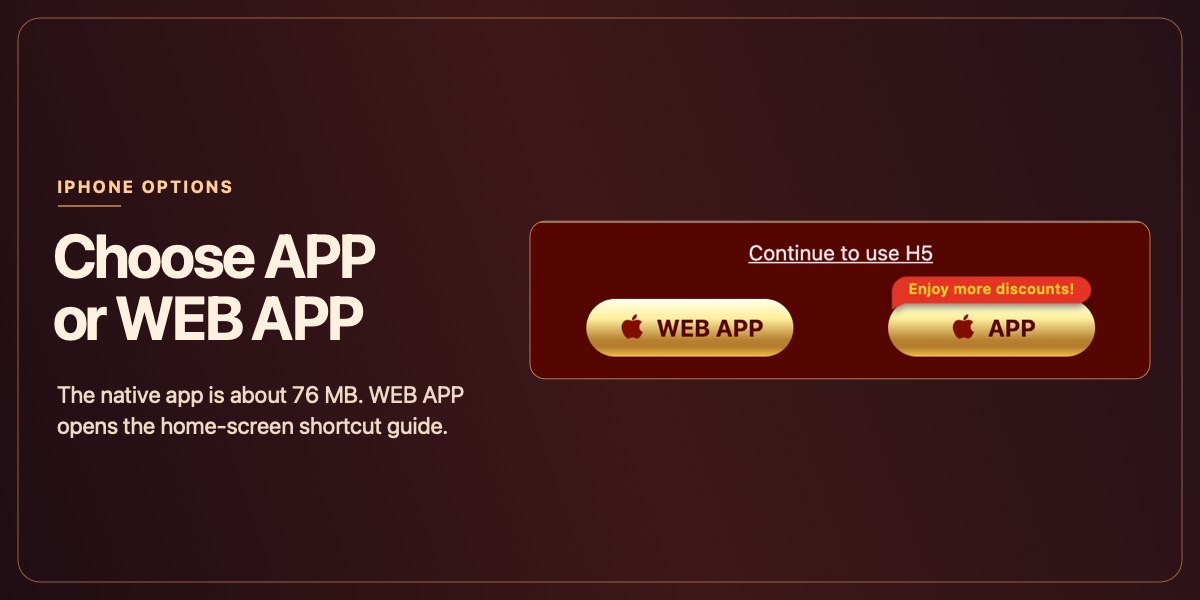
WEB APP: add a Safari shortcut
Tap WEB APP to see the Home Screen instructions. Use Safari’s Share or More menu, choose Add to Home Screen and confirm the name.
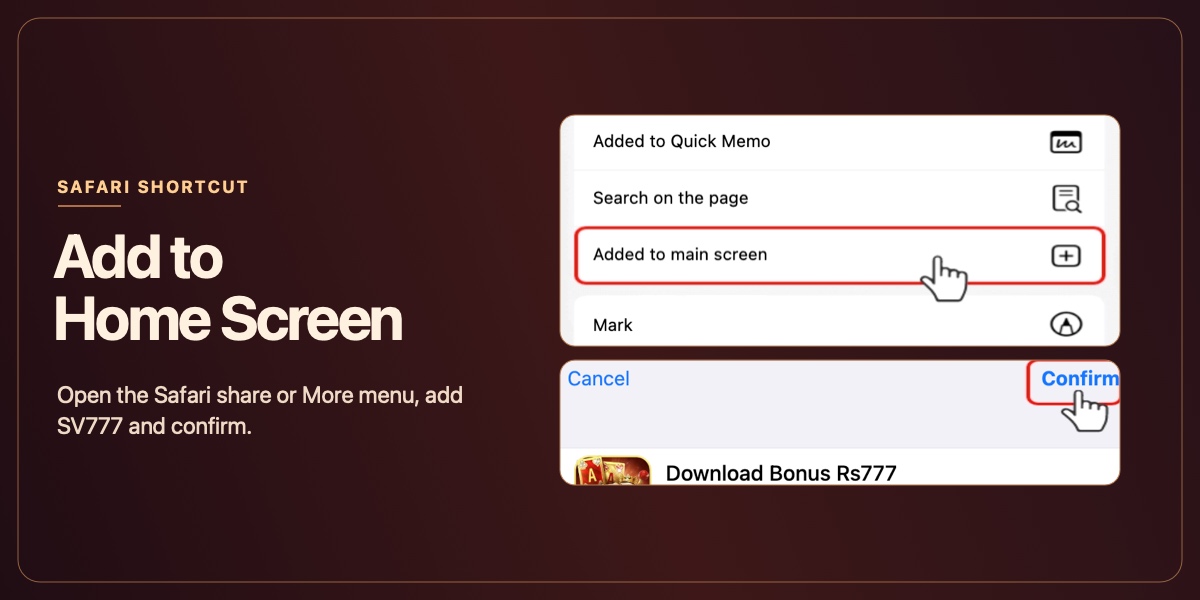
- Use Safari to open the lobby.
- Choose WEB APP from the SV777 Download menu.
- Add the shortcut and use the new icon to return.
Continue to use H5: return in the browser
If you only want to open the lobby in Safari, choose Continue to use H5. Use the Download guide for Android devices.
iPhone access FAQ
Is WEB APP the same as the 76 MB download?
WEB APP adds a shortcut from Safari. The download of about 76 MB refers to the native APP option.
Where can I find the shortcut after adding it?
Look for the icon on your iPhone Home Screen and tap it to reopen the platform.