SV777 Deposit Paid but Balance Not Updated?
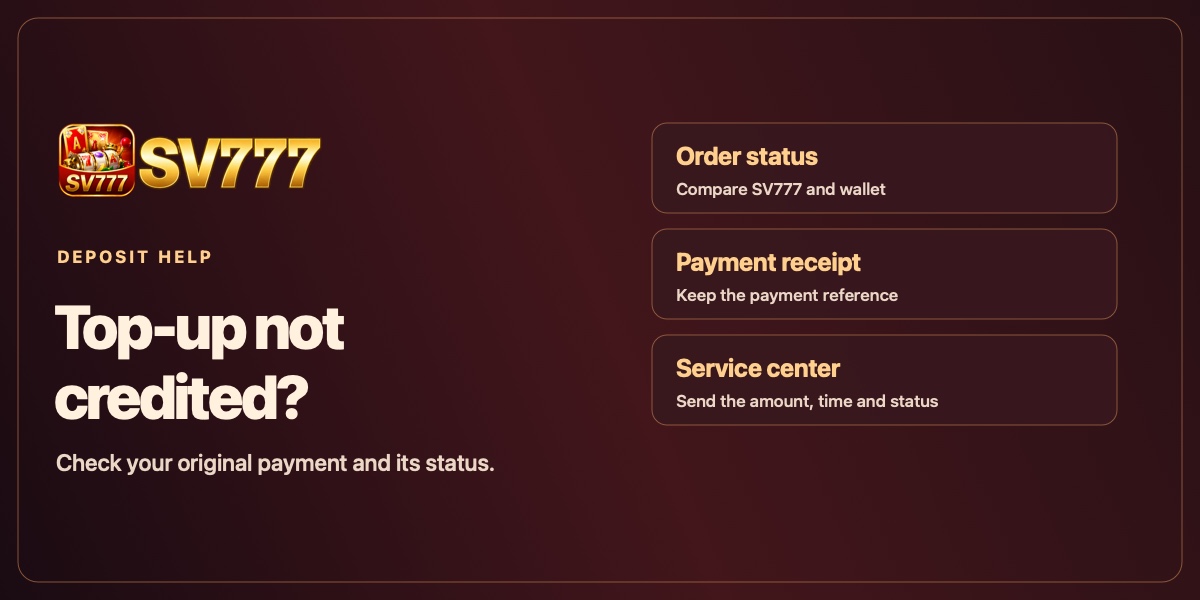
Start with the order already paid. Compare what your payment wallet shows with what SV777 shows, then keep the details for Support if the credit still does not appear.
Make sure you can identify the paid order
Keep the amount, payment reference and approximate time. If you scanned a QR, record the method shown on the SV777 order.
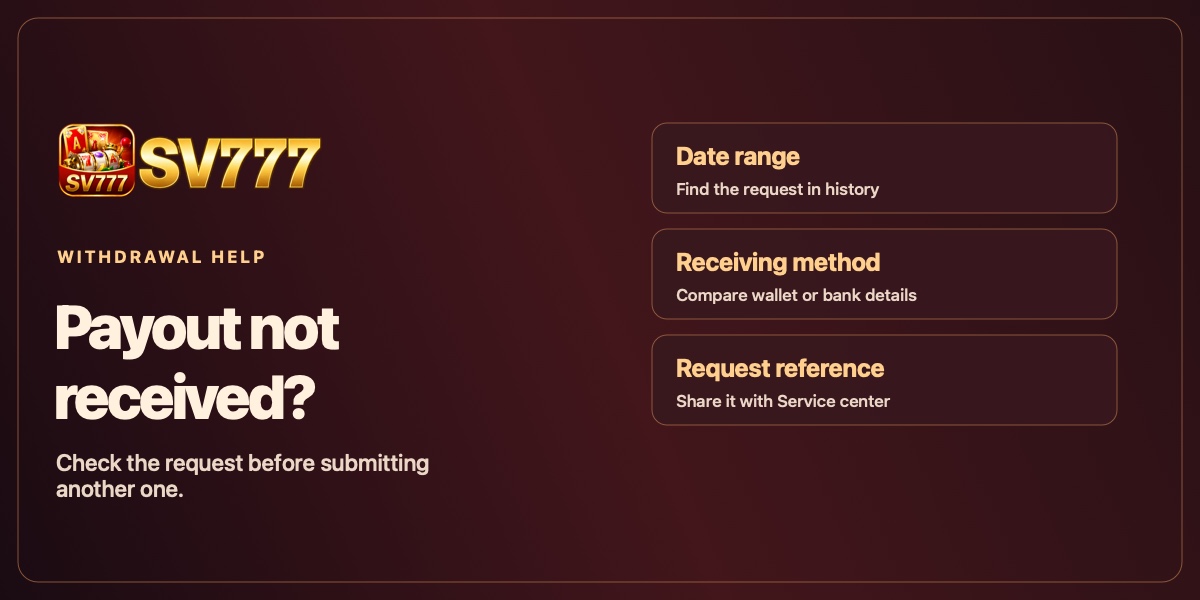
Check the date range and wallet status
Open the deposit records and choose a period covering the payment. If the record list is empty, check the date and the account you used. This illustration shows how to check a history view.
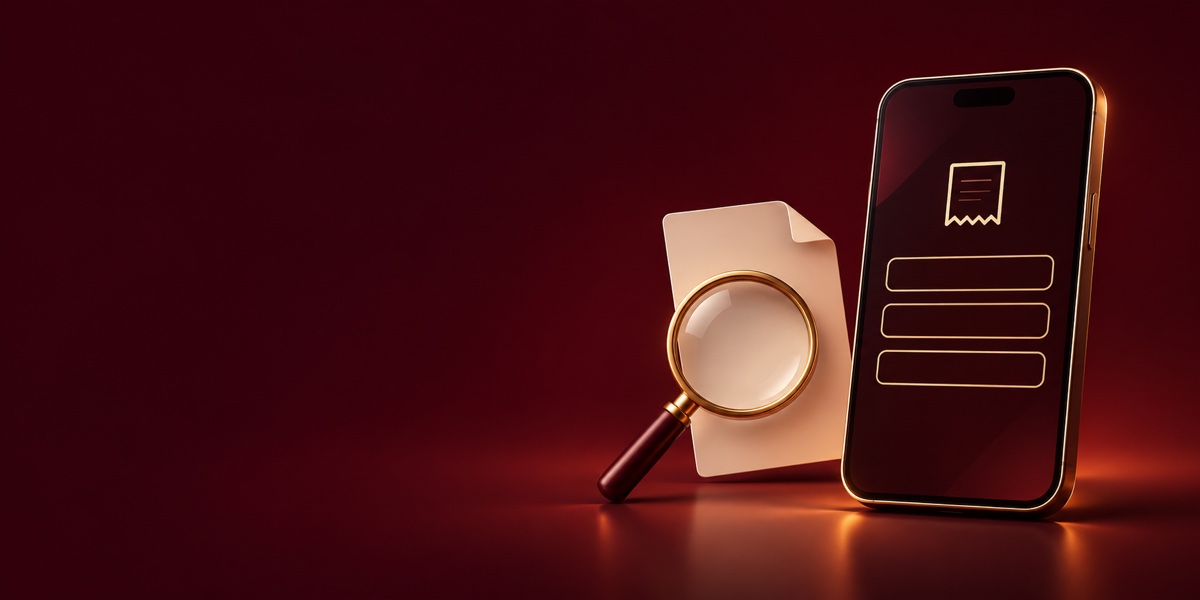
- Look for the original amount.
- Compare the SV777 status with the wallet confirmation.
- Keep a redacted receipt while the order is being traced.
Ask Support to trace a successful debit
Use Online Customer Service in Deposit or Mine → Service center. Tell them where the success status appears and include the reference. Keep your wallet or account password and codes private.
Missing deposit FAQ
How long do successful deposits normally take?
Credit is normally within 60 seconds after a successful payment. If the balance has not changed, check the existing order before paying again.
What if the date filter shows no history?
Check the selected date range and confirm you opened the SV777 account where you placed the order. If needed, ask Support to trace the payment reference.